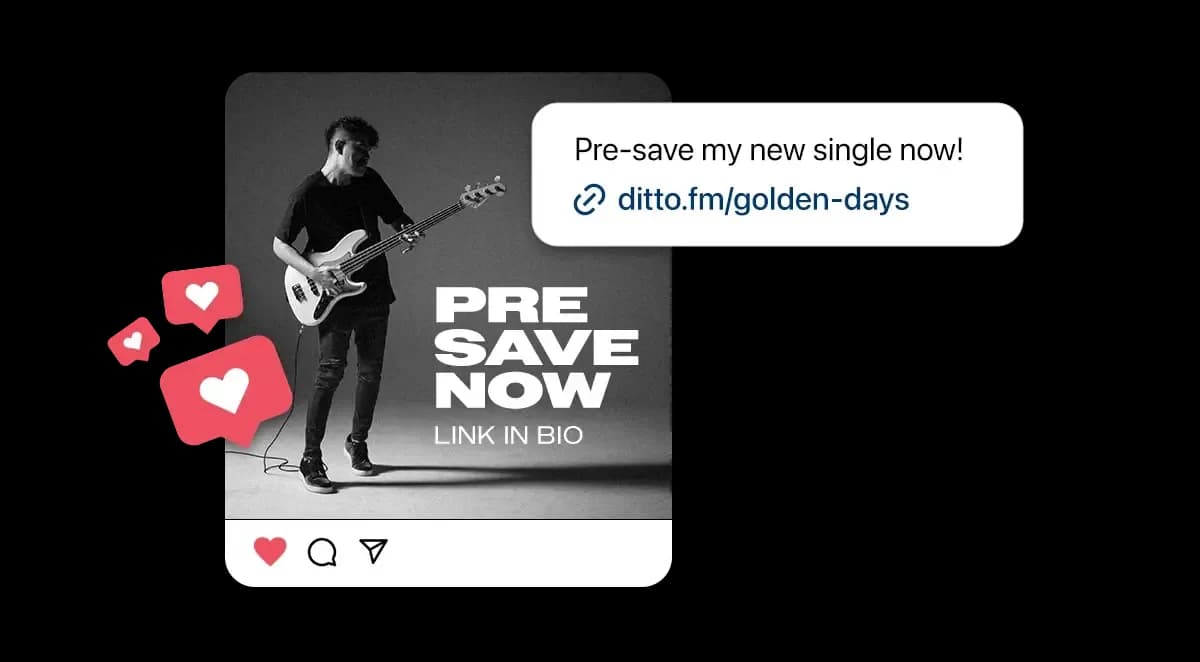
Pre-Save Links: How to Build Hype Around Your Music
Gaining recognition and music industry credit without label backing can be pretty challenging as an independent artist. Luckily, the introduction of new music marketing tools such as pre-saves over the last few years has helped musicians better engage their audience and achieve chart success.
To help you develop more traction around your latest releases, we’re here to teach you how you can utilise pre-save links to elevate your tracks to awesome new heights.
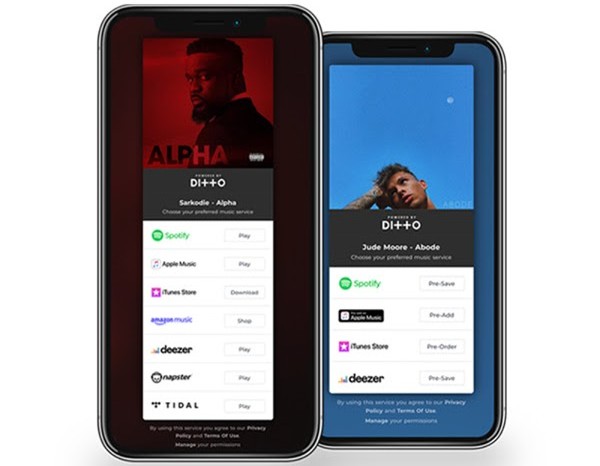
What are pre-save links?
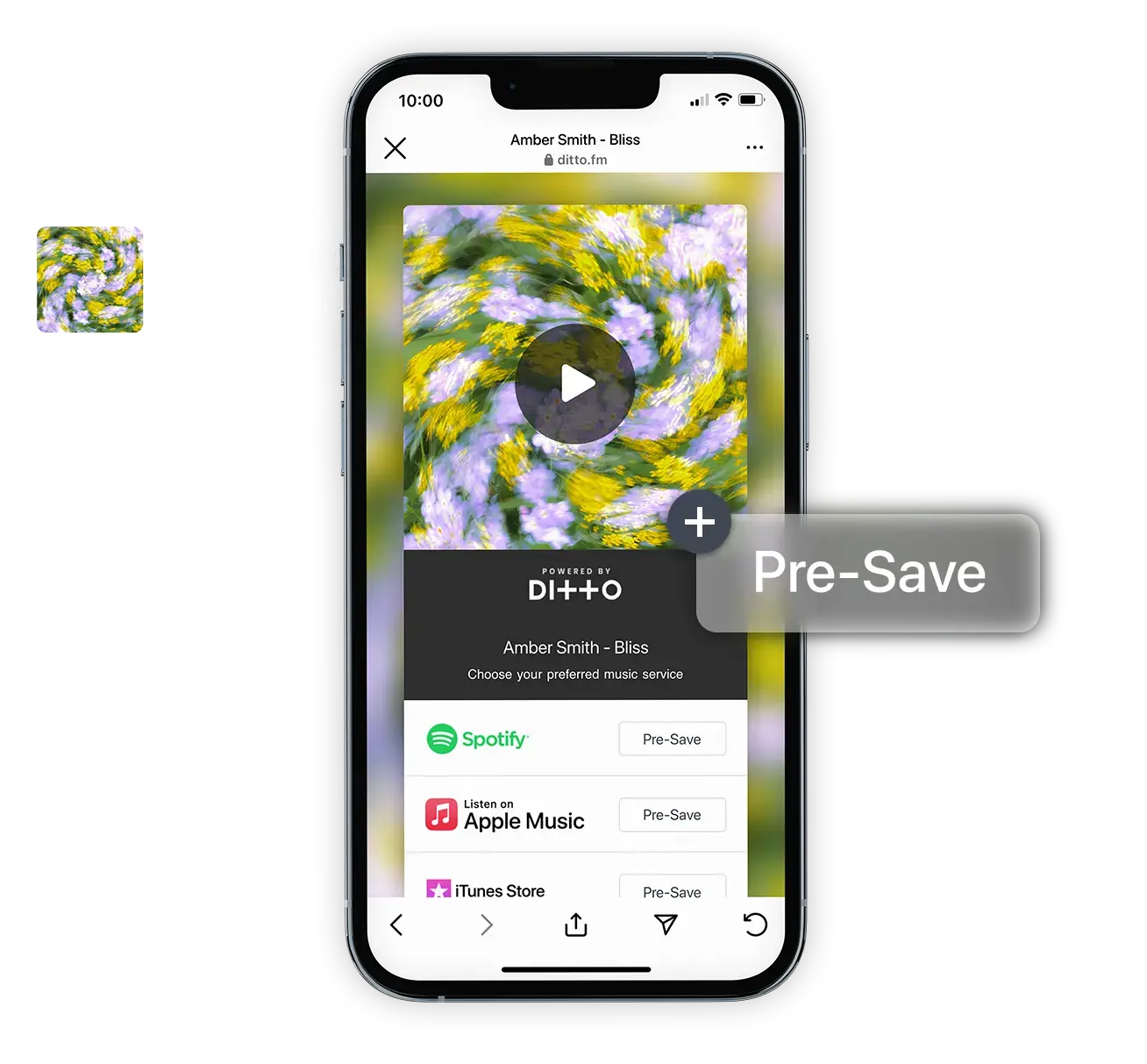
A pre-save link is the modern-day version of pre-ordering a release. These links let fans add your upcoming song to their playlists and save it to their libraries before it's been officially released on Spotify, Tidal or anywhere else.
Your top fans will be the first to know when the song drops - giving you a cool way of promoting your releases and giving your fans early access to their new favourite tracks.
How to use pre-save links
Once you’ve grabbed your pre-save link and checked it’s all working properly, the fun can really begin. Promoting your link and your music.
This is where things’ll really start to take off and you’ll start noticing your streaming figures pick up. But what are the best ways to promote your music and generate good traction? Let’s take a closer look.
How to promote your pre-save link
One of the first - and best - ways of promoting your pre-save link is via social media. Start sharing your link across Instagram, Twitter, and especially TikTok. Think about creating engaging social campaigns with eye-catching visuals, teaser clips, or behind-the-scenes content to encourage your followers to pre-save your release.
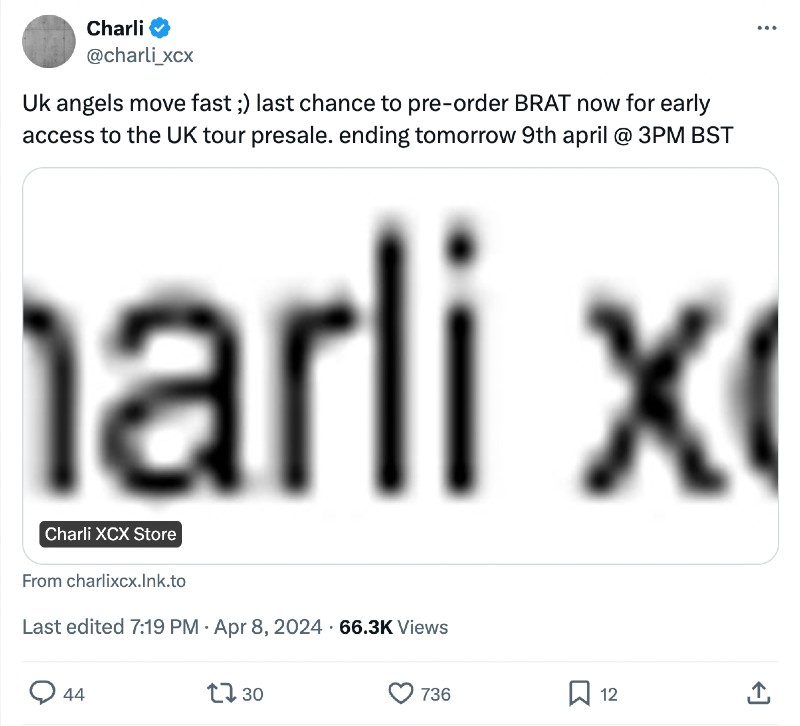
Offer incentives to fans for pre-saving like 10% off your merch store or early access to an upcoming tour sale. Charli XCX did a similar thing recently with her announce of her BRAT UK Arena Tour.
It’s not only posts that gain your audience’s attention though. Focus on posting Stories to push fans towards your link too - giving them an easy way to quickly click through and sign up. You can also use Stories to push them towards your bio too, which can include tour dates, playlists, merch as well as your pre-save link.
Engage with your audience is also vital. Respond to their comments, messages, and any mentions related to your pre-save link. Try using tools like Tweetdeck or just searching hashtags on Twitter to jump in on conversations and encourage fans to share the link with their friends and followers to widen your reach.
You can also look to collaborate with social media influencers or other industry figures. Bloggers, radio hosts, or even other artists within your scene that have decent followings can all help promote your pre-save link to their audiences and open your music up to a broader fan base.
Tip: Give yourself at least 3-4 weeks to promote your pre-save link before your release date.
How to use Spotify Pre-Save
Giving fans immediate access to your tunes as soon as they’re released is a great way to build up hype for your new track on Spotify.
Many artists now provide pre-save options for their new releases - linking from their Instagram and social profiles.
How to create a pre-save link for Spotify
To set up a pre-save link for your upcoming release, you’ll need to provide all of your artist details - including an image for the release and your Spotify ID. Make sure to double-check your release date and track details before generating your pre-save link and you’re pretty much there.
Once you’ve got your link, you can send it out to your mailing list, add it to your bios, and eagerly await your release date.
When the new music is officially released, it will automatically be added to your Spotify library or playlist, ready for your fans to vibe with.
Spotify for Artists tools
If you’re setting up a pre-save link on Spotify, then you’ll also be able to take advantage of their exclusive Spotify for Artists tools.
You’ll have the option to create a Spotify Canvas reel and create a cool and engaging looping video to accompany your music on the platform.
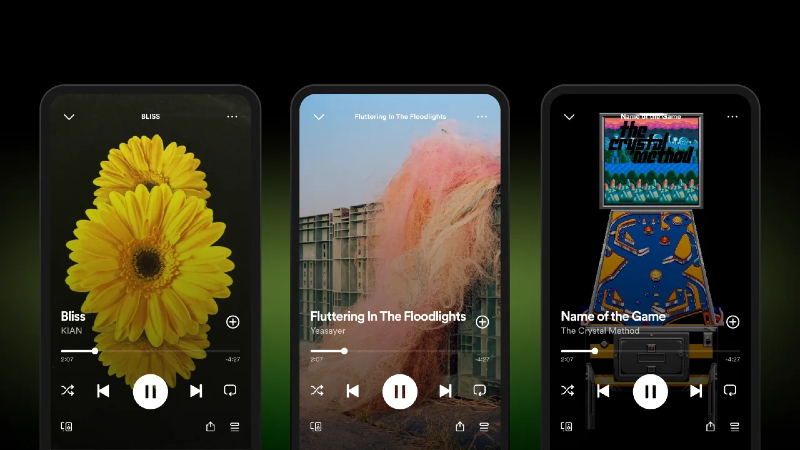
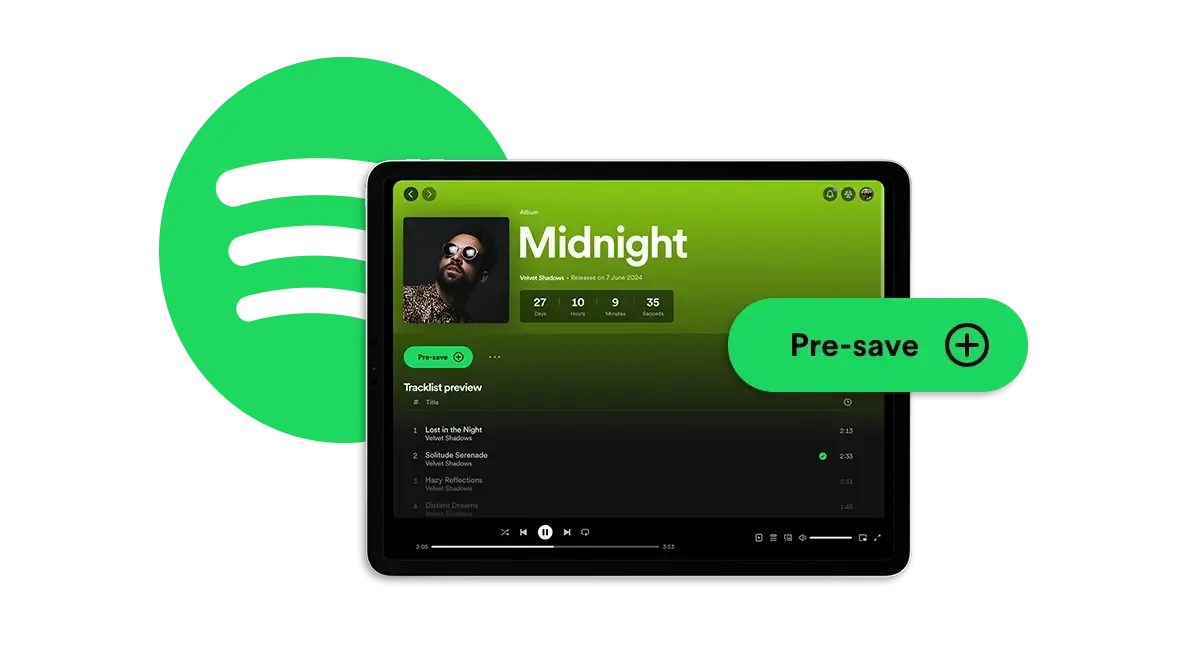
Spotify is also currently working on rolling out its new Countdown Pages feature. This new update will show on your artist profile and allow fans to pre-save your release, check out the track list, pre-order your merch as well as keep an eye on the countdown until your release.
How to create a pre-add link for Apple Music
For those of you that also upload music to Apple Music, you'll also be able to make use of their pre-add feature. Apple users can pre-add your tracks to their libraries and will be notified the moment your release is live, letting them stream and share your music from the very first minute.
You'll be able to push fans towards these links in the run up to your release and get that positive momentum going, just like you can on Spotify and by using your Ditto SmartLink.
Apple Music has also found that releases with pre-adds enabled saw significantly higher listens than those without - highlighting that increased numbers of fans tend to come back to listen to albums during the first week of release.
What is a Ditto SmartLink?
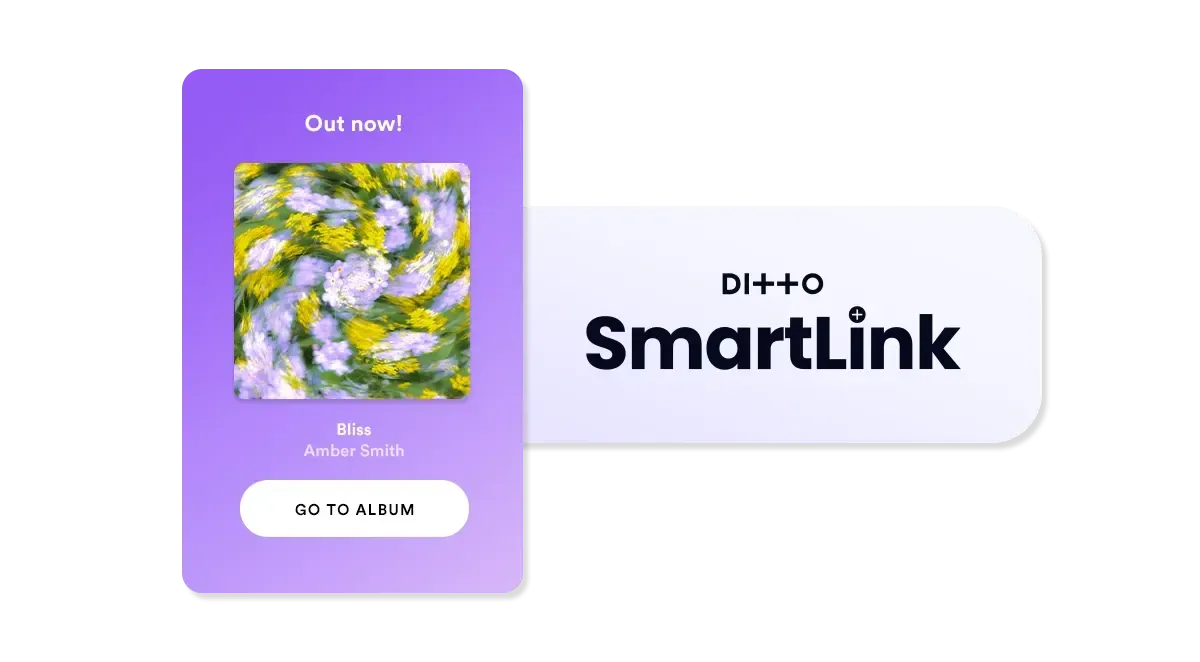
To make your life that extra bit easier, we also provide all of our Ditto artists with free, automatically generated Ditto SmartLinks.
Our pre-save SmartLinks offer you an effortless way of sending your music across all major platforms through a single link.
Tip: Add your Ditto SmartLink to your Instagram and X bios to make it easier for fans to find your music.
Your Ditto SmartLinks will be accessible 48 hours after your release has passed all of our passing our checks and approval from stores. They will include all pre-save and live links to your release on a single page, enabling fans to discover your music on any platform.
And the best bit? Each time you drop new music through Ditto Music, we'll automatically provide you with one. Easy.
For more info on how to find your SmartLink, check out our FAQs.