
Get Your Music on CapCut
Add your tracks to CapCut and expose your music to a global audience on one of the world’s go-to video editing content tools. Make your music available to content creators so they can add your tracks to their videos and image designs.
How to Add Your Music to CapCut
1. Start by signing up to Ditto Music.
2. Select CapCut in your Ditto Release Builder.
3. Set up split royalties with your collaborators.
4. Begin pushing your Ditto SmartLink on social media.
5. Discover analytics about your music’s audience.
Why Upload Music to CapCut?
CapCut is an advanced video editing tool that offers a wide range of powerful features for users. With over 300 Million users every month, CapCut is one of the world’s most used and trusted tools used by content creators, artists and businesses.
Known for its user-friendly interface, CapCut is suitable and easy to use for beginners and experienced editors alike with both paid and free basic features available. With a wide array of AI tools, pre-made templates and cross platform availability, it allows its users to quickly create content and just as easily share it on all your social media channels. Its seamless integration with social media platforms like TikTok make it a popular choice for content creation with over 1 billion downloads worldwide.
Add your music to CapCut today and start sharing your music with millions of content creators today.
Why use Ditto Music.

Unlimited Releases
Release as much music as you like to every major music platform worldwide.

Free Pre-Save SmartLinks
Let fans pre-save your music before it drops and share your release everywhere with just one link.

Keep 100% Royalties
Keep 100% of the royalties you earn and all of the rights to your music.

Publishing, Sync & More
Access tools and services to boost your profile and earnings, including publishing, sync pitching, chart registration and more.

Advanced Analytics
Explore streaming insights, download numbers and listener demographic data. Get the Ditto app to track stats from your phone.

Fast Payouts
Get paid royalties directly into your account and withdraw your earnings with a couple of clicks.

Split Payments
Automatically split royalties with your collaborators, producers, features, songwriters or anyone else who's earned a cut.

Get Signed
We scout talent from our distribution services and sign them to label services deals where we can offer more marketing support.

More Stores
Distribute to 150+ stores in a single upload. Land on every platform that pays.
From bedroom uploads to Grammy stages.












CapCut Music Distribution Explained
What is CapCut?
CapCut is a free all-in-one video editing app perfect for editing music videos, social clips, and short-form content for TikTok and Instagram. By distributing your music through Ditto, you can make your tracks available in CapCut’s Audio Library for creators around the world to use in their videos.
How do I put my music on CapCut?
Make your music available on CapCut by signing up to Ditto Music and selecting CapCut when uploading your releases. Create an account and see how easy it is to share your music with creators on one of the world’s biggest content platforms.
How can CapCut users add my music to their videos?
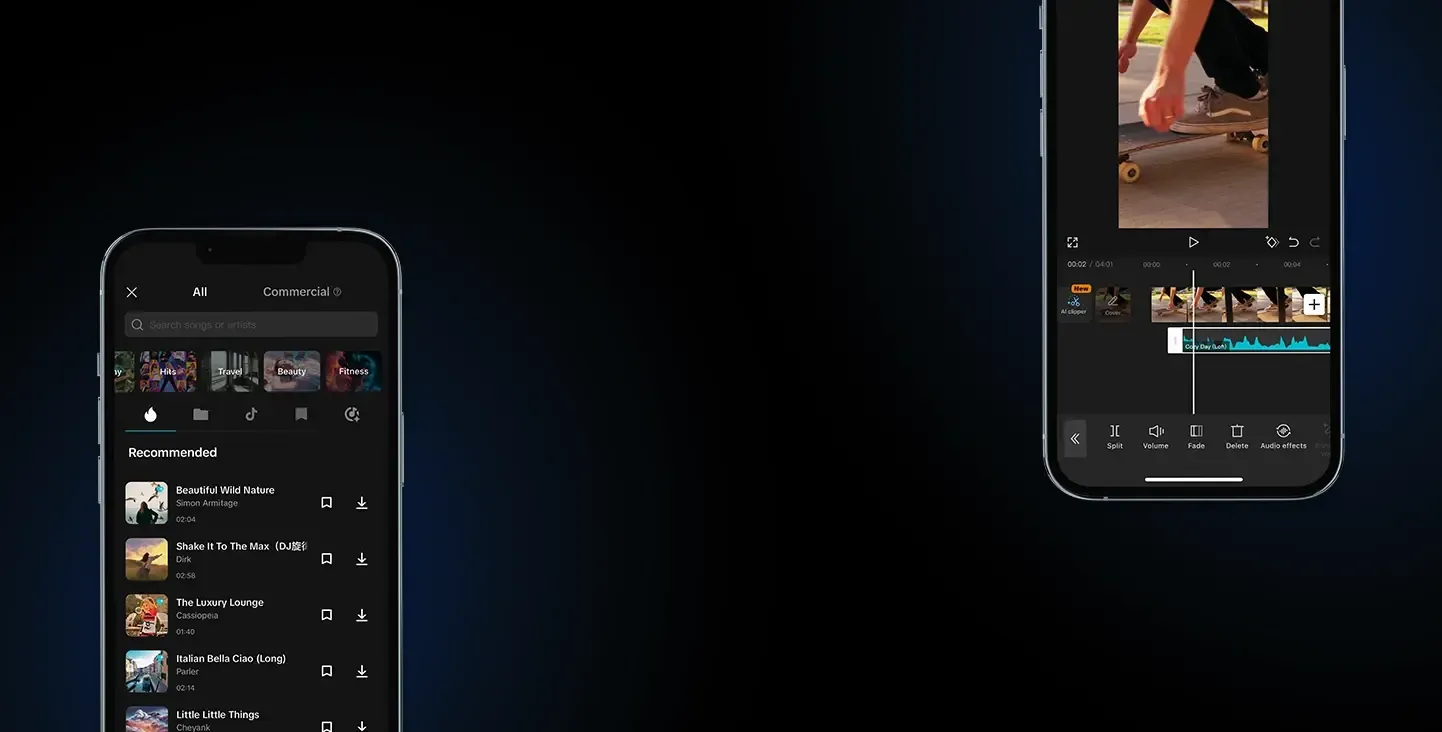
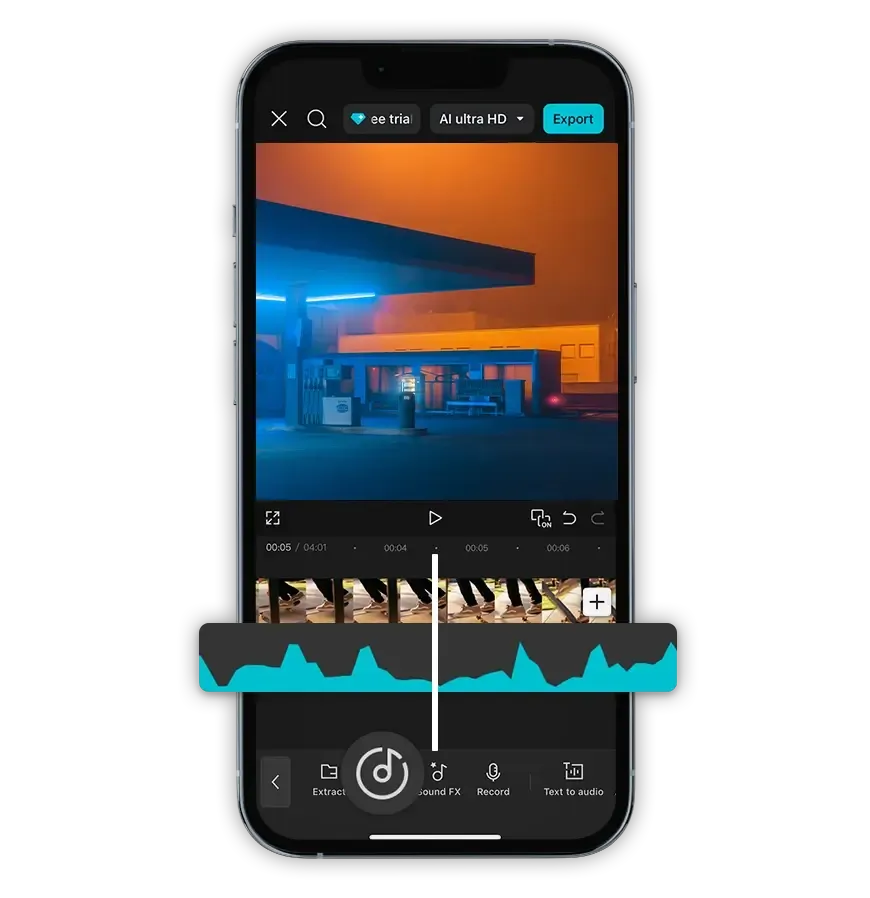
When you’ve distributed your track to CapCut through Ditto, users can search for your song directly in the Audio Library, preview it, and add it to their CapCut templates and designs in just a few taps.
Can CapCut users edit my songs?
CapCut users can't download your song but they are able to use basic editing tools to trim, cut, and adjust the volume of your track within their content. Your rights stay protected while your music gains exposure across the platform.
How does getting my music on CapCut help me grow my fanbase?
Distributing your music to CapCut with Ditto lets millions of video creators use your songs in their content. Each time your track is featured in a piece of content, you have the chance to go viral, gain new fans, boost your streaming numbers, and grow your artist profile across TikTok, Instagram, and beyond.