Your press kit,
built in minutes.
Your EPK is where you let promoters, bloggers and industry heads know what you’re all about. Ready to create an eye-catching Electronic Press Kit? Choose a customisable template below.
Choose a template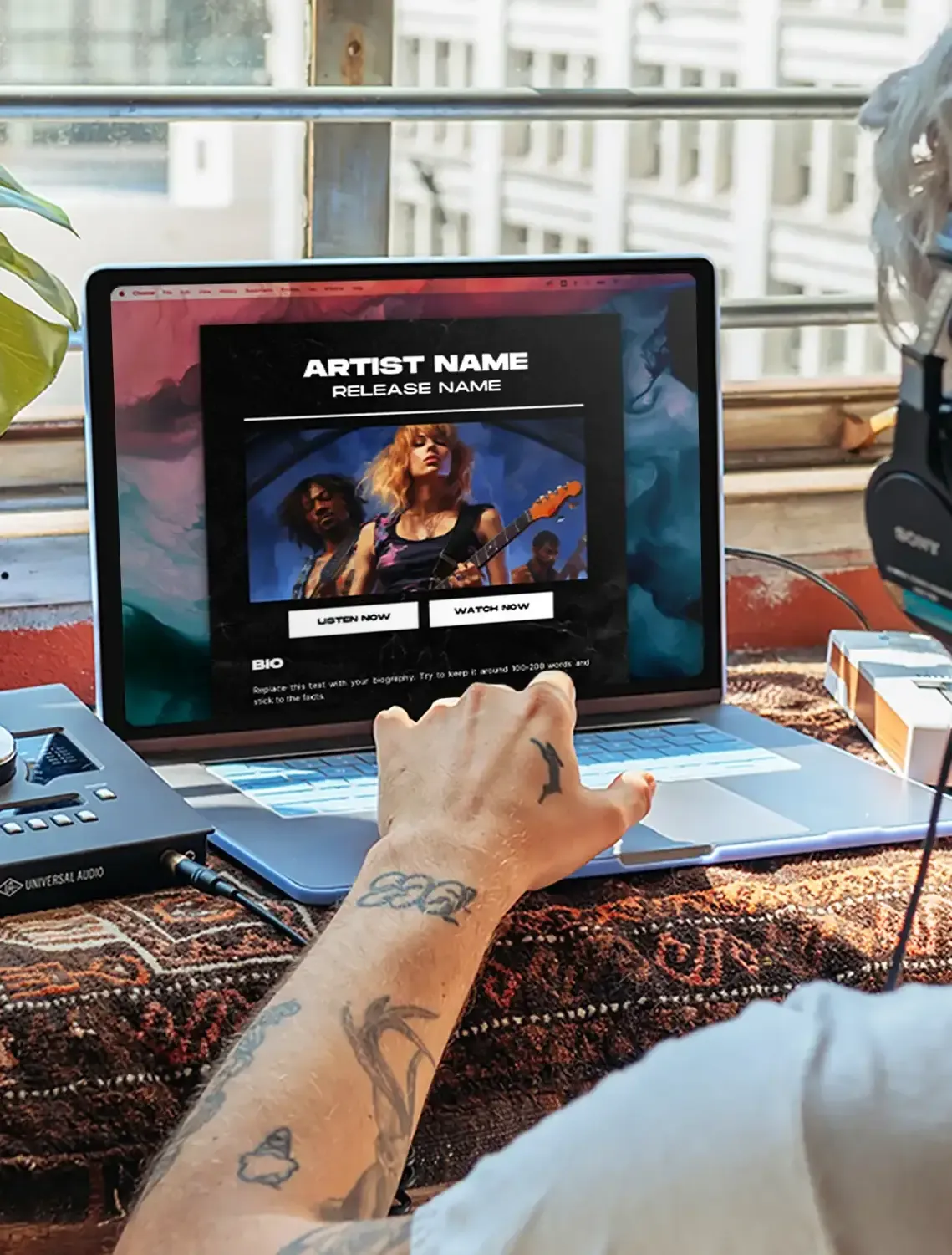
How it works
Three steps to a pro EPK.
Select your template
Choose an EPK template that suits your style and content.
Sign up or log into Canva
Hit “Use template for new design” and sign up for a free Canva account.
Customise & download your EPK
Add your own images, text and links — then download as a PDF.
Pro templates
Pick your style.
EPK templates are a Ditto Pro feature. Every one opens straight in Canva — customise it with your own images, bio and links, then download as a PDF.
 Pro
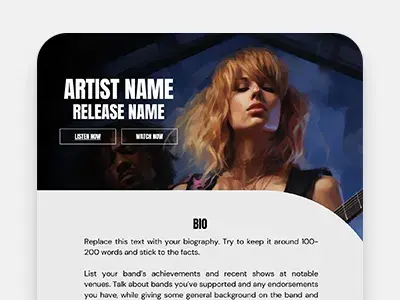
ProBlack & White Swish
What's black and white and cool all over? This template. It's sleek, stylish, and straight to the point.
Sign in to unlock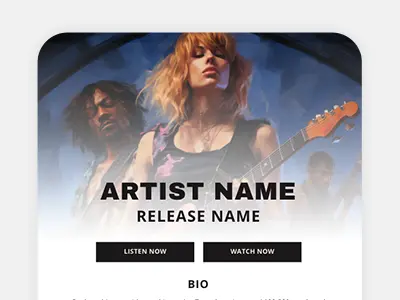 Pro
ProClassic White
Clean, pristine and ready to stream. For artists who want their sound to do the talking.
Sign in to unlock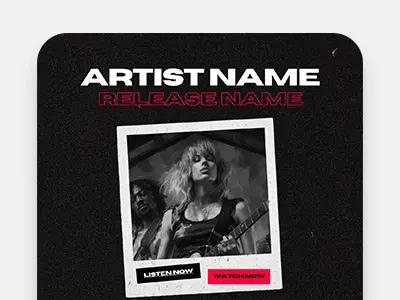 Pro
ProGrunge Black & Red
Made for the garage bands and gritty guitars. It's the visual equivalent of a distorted power chord.
Sign in to unlock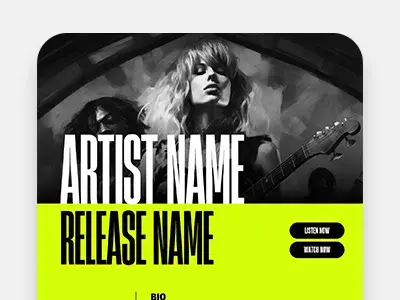 Pro
ProNeon Green
For the musician who’s not afraid to be loud - visually and sonically. It's not just a theme, it's a statement.
Sign in to unlock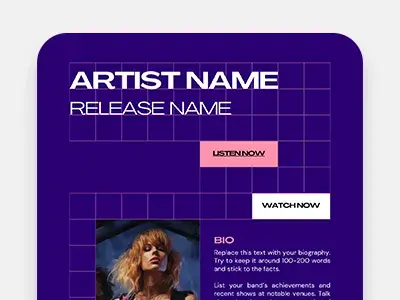 Pro
ProSynth-Pop Purple
A blast from the past for stars of the future. If your synthesizer could pick a theme, it would definitely be this.
Sign in to unlock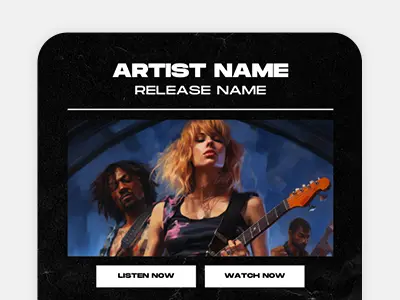 Pro
ProClassic Black
A timeless and professional look. For the musician who knows that classics never go out of style.
Sign in to unlock
Not on Pro yet?
EPK templates are just one of dozens of Pro features. Here’s everything else you unlock with Ditto Pro.
Get Ditto Pro- Unlimited distribution for two artists
- Pitch your music for TV & film sync
- Earn from YouTube with Content ID
- Collect extra publishing royalties
- Release Protection guaranteed
- Pro Perks — including these EPK templates






Music PR explained.
Your EPK is just the start. These guides help you pitch it to press, write your bio and run a campaign that gets you heard.



EPK Builder FAQs
Do I need a Canva account to use the EPK Builders?
Yes — but Canva accounts are free! Just pick a template, select “Use template for new design” and you’ll be prompted to create an account. Sign up however you like, whether that’s with Google, Facebook, Apple or just a regular old email address.
How do I add my own images?
Head to “Uploads” on the left-hand side of the Canva designer, select “Upload files”, then drag your images into position on the template.
How do I add links?
Right-click on the text or button you want to link, select “Link” from the menu, and paste in your URL.
How does the Download Images button work?
Upload your image files to Dropbox or Google Drive, make the folder public, and add that share link to the button on your EPK so industry contacts can grab your assets.
How do I add my own text?
This one’s really easy. Just double-click on any text and start typing. Read the placeholder text for advice on what to write, then replace it with your own.
How do I download my EPK when I’ve finished editing?
Hit the “Share” button in the top right of the designer and scroll down to select “Download”. We recommend choosing PDF Standard as the file type — it’s the best format to send by email.