Get Your Music on Canva
Add your tracks to Canva and expose your music to a global audience on one of the world’s go-to online graphic design tools. Make your music available to designers so they can add clips of your tracks to elevate their visual creations.
How to Add Your Music to Canva
1. Start by signing up to Ditto Music.
2. Select Canva in your Ditto Release Builder.
3. Set up split royalties with your collaborators.
4. Begin pushing your Ditto SmartLink on social media.
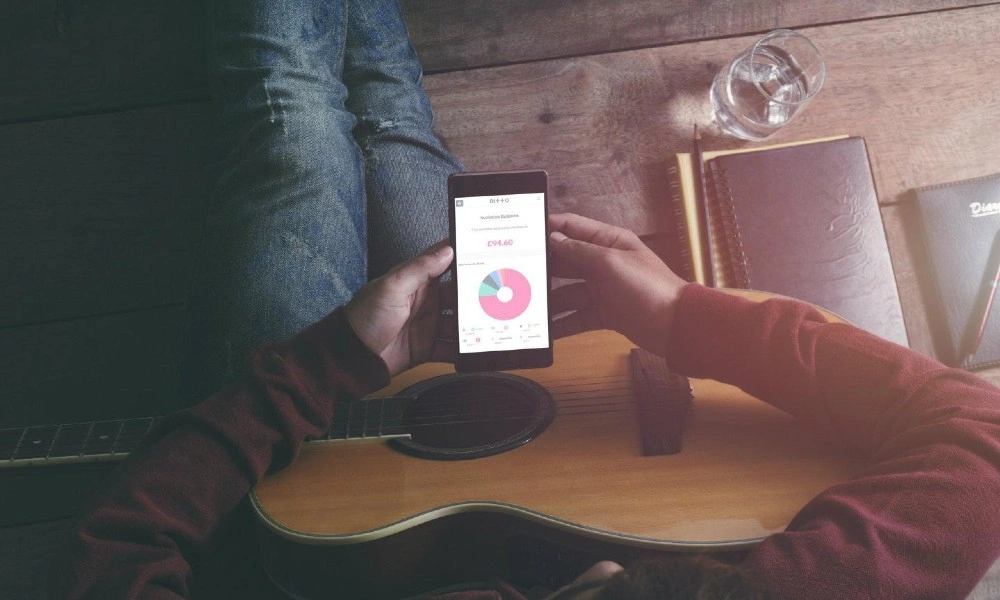
5. Discover analytics about your music’s audience.
Why Add Your Music to Canva?
Trusted by some of the world's largest companies, designers and digital creators, Canva is a hugely popular graphic design tool used by over 125 million people worldwide.
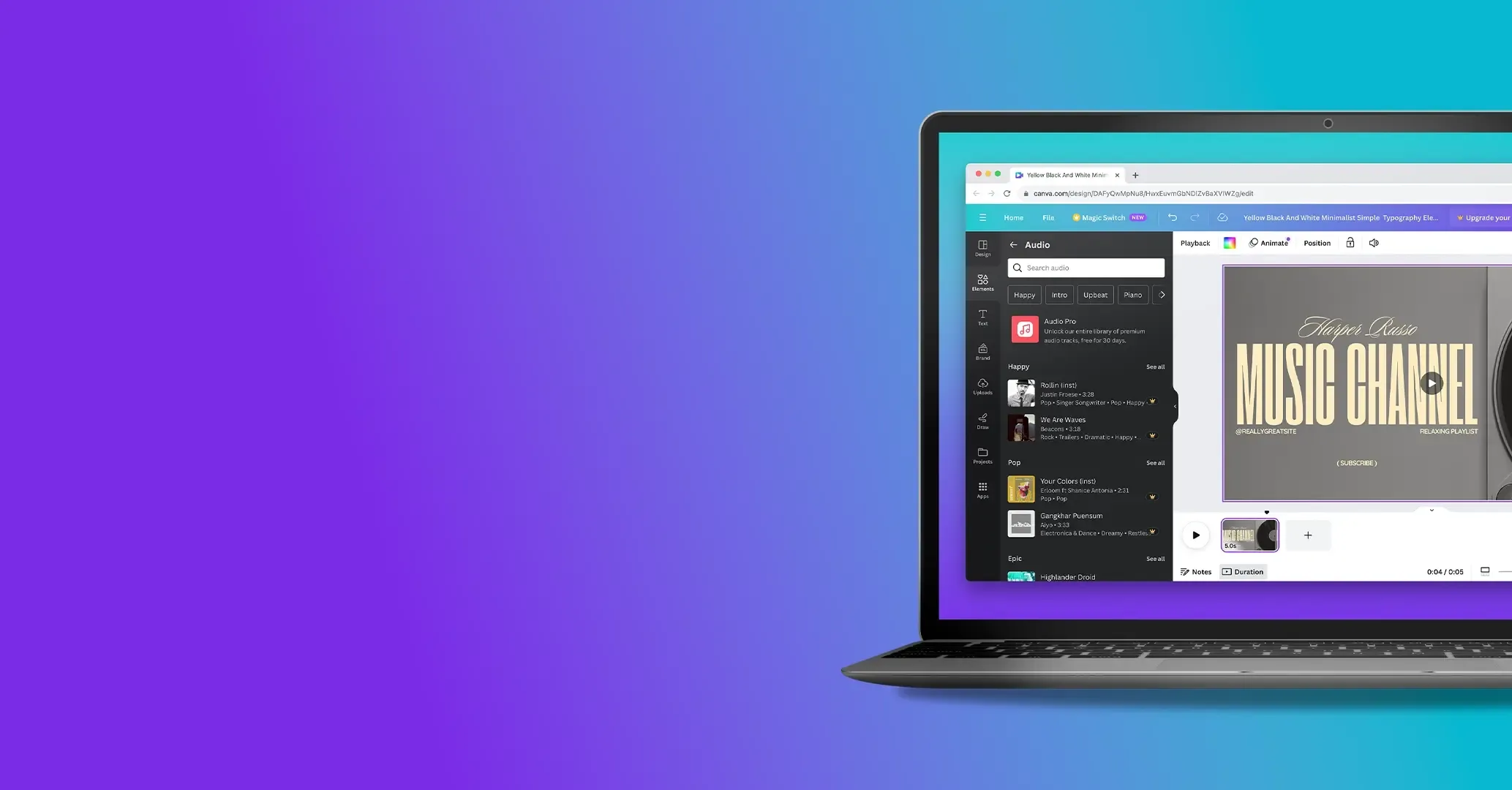
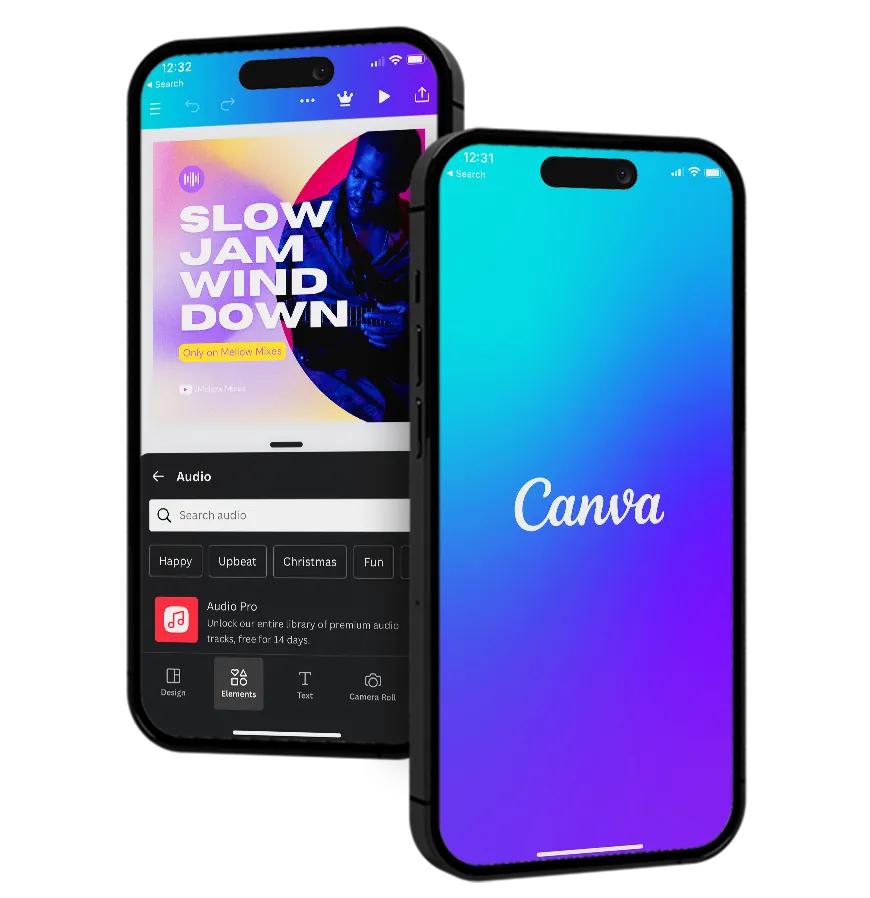
Known for it's user-friendliness, Canva lets professional and part-time graphic designers easily create and edit presentations, adverts, social media posts, and any other designs - even allowing them to add your audio to videos through the tool’s video editor and media library. The perfect tool for creators designing with friends and peers, Canva’s Creators Community is specifically designed to encourage inspiration and creativity.
Add your music to Canva today to join the thriving Canva Creators community and let users share your music through global social events, educational workshops, and design challenges.
Why use Ditto Music.

Unlimited Releases
Release as much music as you like to every major music platform worldwide.

Free Pre-Save SmartLinks
Let fans pre-save your music before it drops and share your release everywhere with just one link.

Keep 100% Royalties
Keep 100% of the royalties you earn and all of the rights to your music.

Publishing, Sync & More
Access tools and services to boost your profile and earnings, including publishing, sync pitching, chart registration and more.

Advanced Analytics
Explore streaming insights, download numbers and listener demographic data. Get the Ditto app to track stats from your phone.

Fast Payouts
Get paid royalties directly into your account and withdraw your earnings with a couple of clicks.

Split Payments
Automatically split royalties with your collaborators, producers, features, songwriters or anyone else who's earned a cut.

Get Signed
We scout talent from our distribution services and sign them to label services deals where we can offer more marketing support.

More Stores
Distribute to 150+ stores in a single upload. Land on every platform that pays.
From bedroom uploads to Grammy stages.


Canva Music Distribution Explained
What is Canva?
Canva is a free online graphic design tool loved by millions of designers across the globe. It's mainly used for creating eye-catching social media campaigns, online presentations, music tour posters, videos and any other designs. Add your music to Canva through Ditto and let users add your tunes to their designs today.
How do I put my music on Canva?
Make your music available on Canva by signing up to Ditto Music and selecting Canva when uploading your releases. Create an account now and see how easy it is to share your music on the world’s biggest platforms.
How can users add my music to their Canva videos?
By uploading your music to Canva with Ditto, users will be able to use your songs within their designs by heading to Canva’s Audio library and finding your tracks.
Can Canva users edit my songs?
Canva users will be able to adjust the volume of your track, trim it and clip the selected parts of your song they want to include in their creations.
What is Canva Beat Sync?
Canva Beat Sync helps you align your video cuts to the beat of a song. Using AI technology, the tool automatically syncs perfectly to the beat of your music, helping you create professional-sounding clips every time.