Getting verified as an artist on Spotify is a no-brainer. And luckily, Spotify verification is open to every single artist on the platform - plus it's really easy to do.
It also unlocks more opportunities than just a nice-looking blue checkmark next to your name. More than simply legitimising your profile to fans and listeners, claiming your Spotify for Artists profile and getting verified means you can unlock some really useful features to help market and promote your music on the platform!
And turns out, it’s really simple to do! So we’ve broken it down for you into a series of short steps.
How do artists get verified on Spotify?
It's super easy for Ditto artists to connect their account to Spotify for Artists and unlock that coveted verification blue checkmark.
After setting up your Spotify for Artists profile, you just need to follow these quick steps to link it to your Ditto Music account:
1. Log into your Ditto account and go to your Artist Profile.
2. Click Connect Account under Spotify for Artists.
3. Follow the on-screen instructions to complete the process.
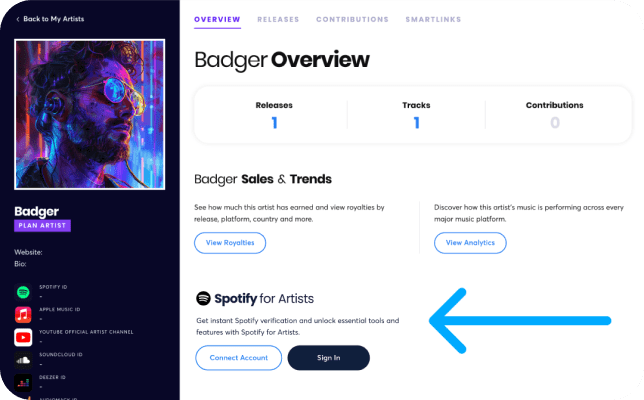
That’s it! Once connected, your Spotify artist profile will instantly display the blue verification checkmark and you'll be able to access all of the platform's exclusive features, such as:
- Pitching your tracks for editorial playlists
- Scheduling and managing music campaigns
- Managing your Spotify artist profile
- Viewing your streaming stats & listener data
- Adding upcoming tour dates and merch links
- Set up and manage campaigns
How to claim your Spotify for Artists profile
Step 1 - Claim your profile on Spotify for Artists
You can also head straight to Spotify for Artists. But first, you'll need to put your music on Spotify.
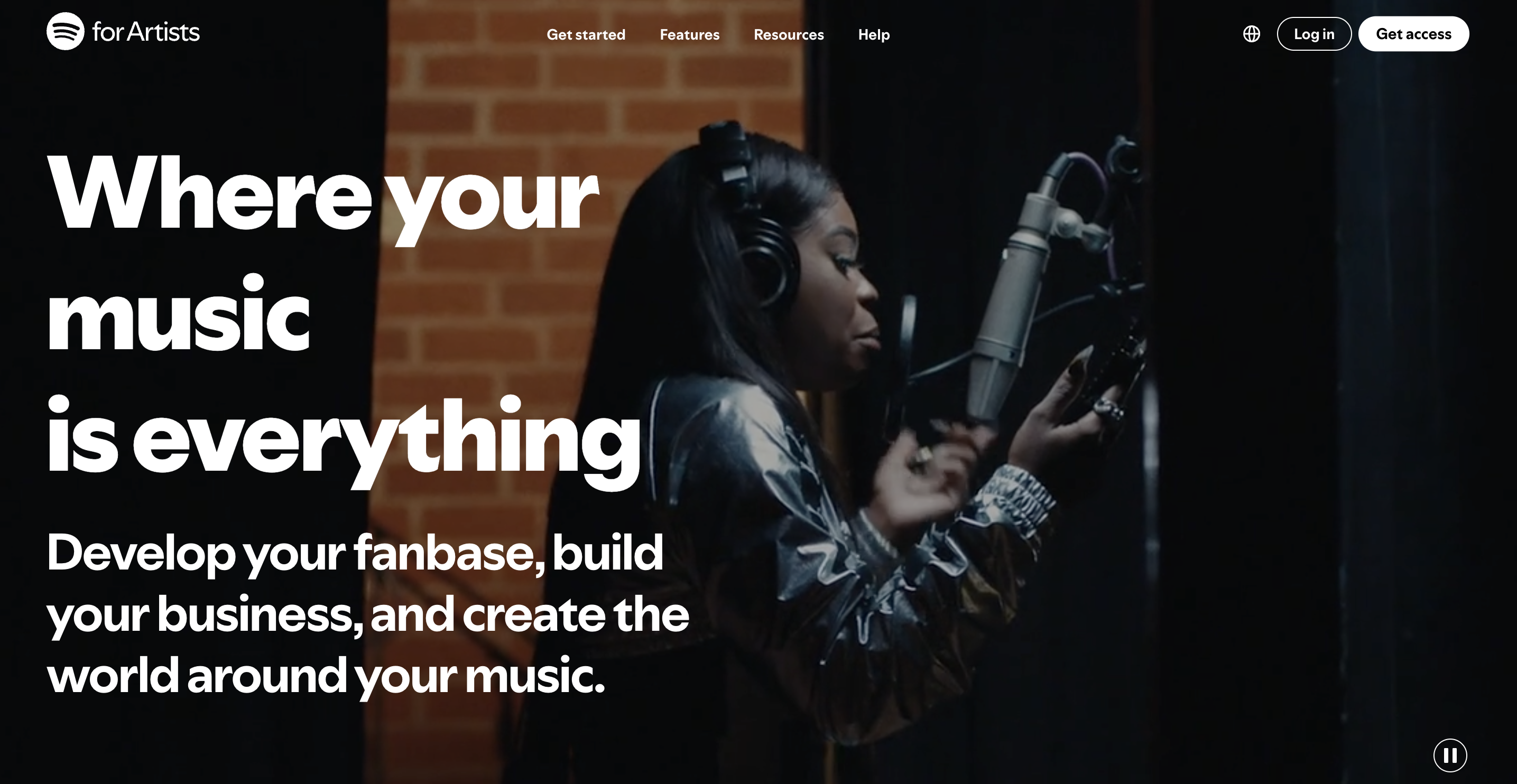
Once you've released it there, go to artists.spotify.com to claim your profile.
When you get there, select Get access in the top right corner, as shown below.
Step 2 - Tell Spotify who you are
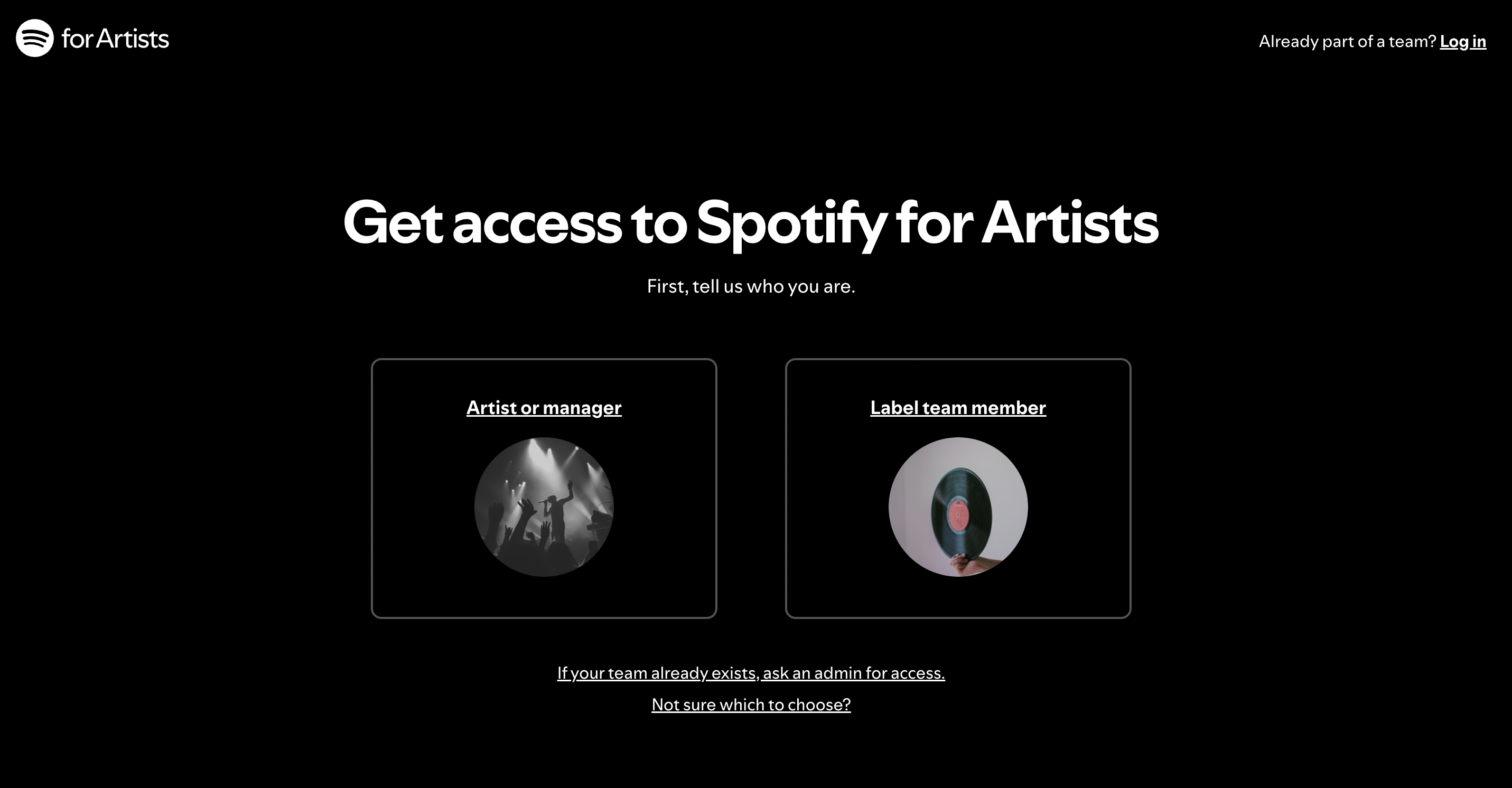
You'll then need to select whether you’re claiming as an artist, manager or label team member.
Step 3 - Search for your artist profile
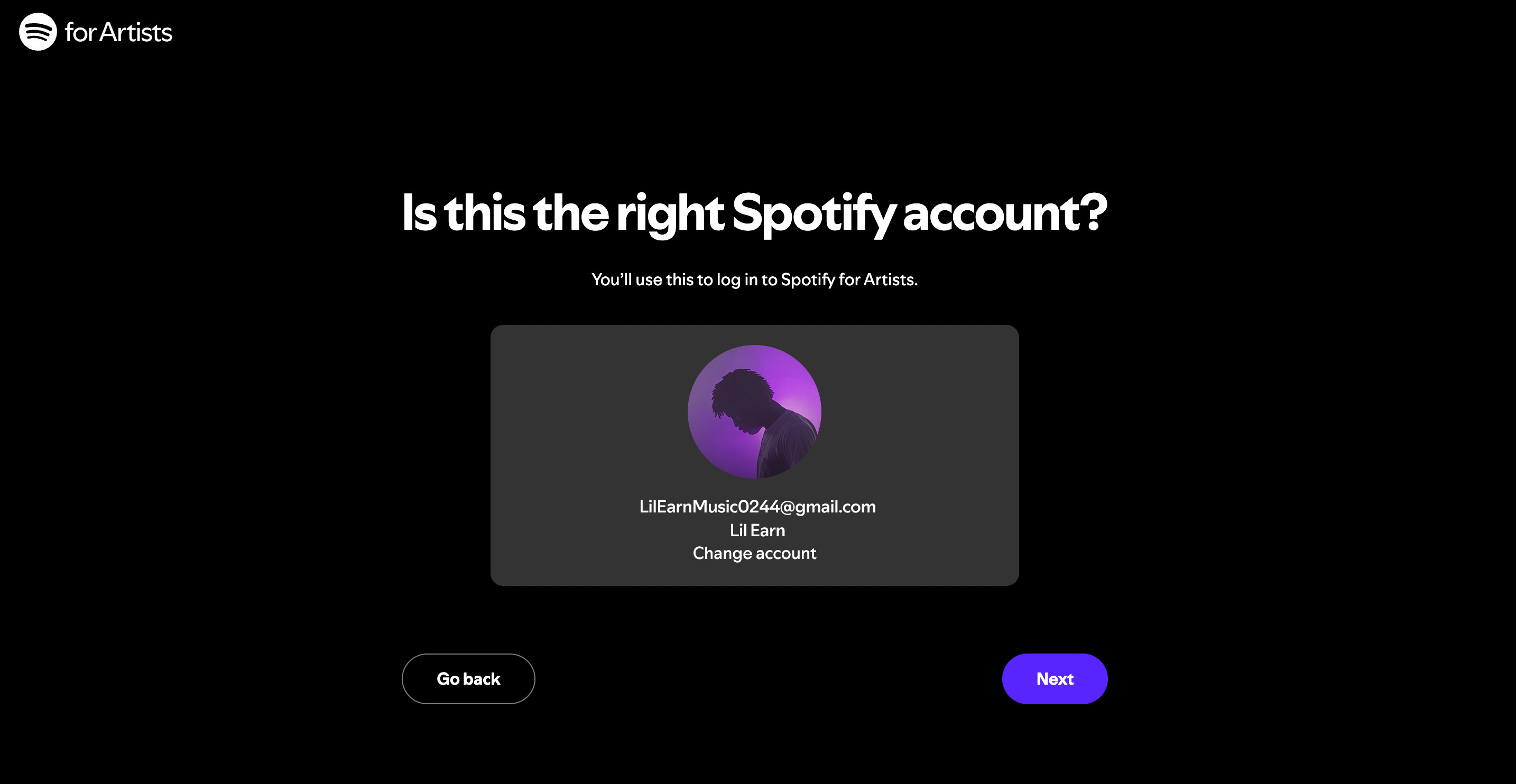
Next, enter your Spotify login details to confirm your account.
Spotify will then check to make sure it’s you (just incase).
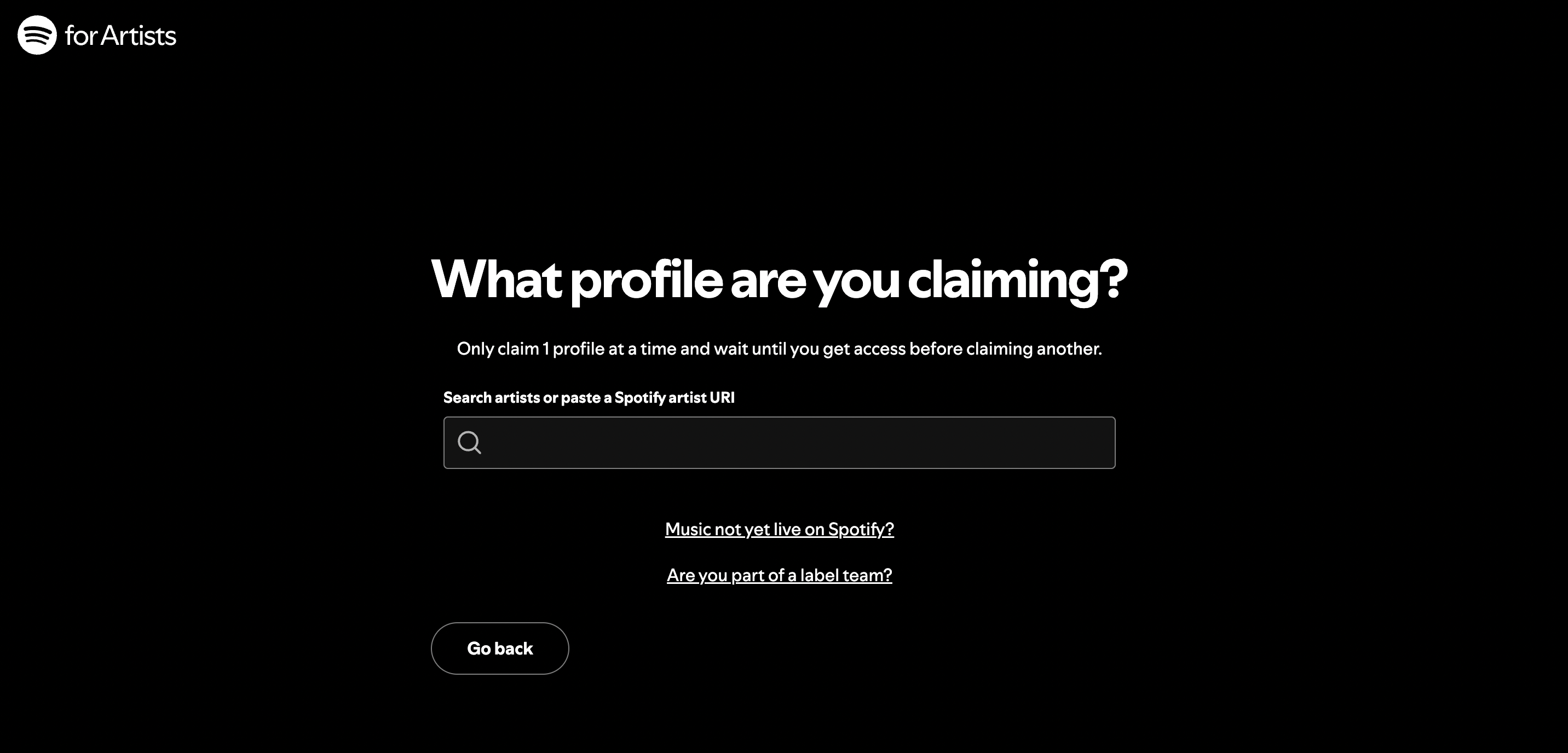
You’ll be able to find your artist profile by searching, or copying and pasting your Spotify artist URI link.
Step 4 - Verify your profile submission
Finally, to verify your submission, you’ll need to enter your business email address. You'll receive an email here with more information about completing your profile.
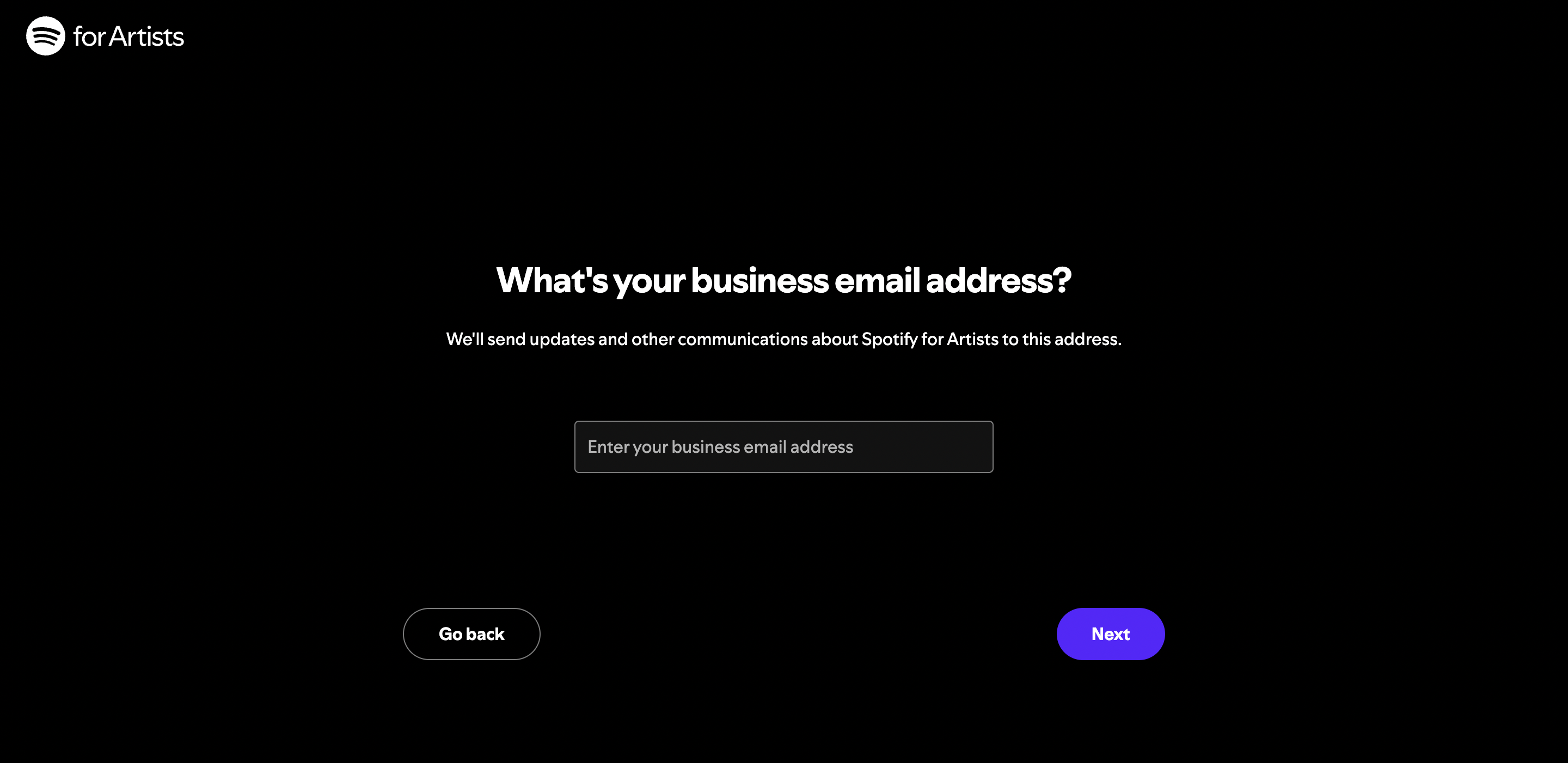
Hit Next to follow the remaining prompts to complete your application.
And you’re done! As easy as 1,2,3 (4,..).
Now remember, it can take a couple of days for Spotify to confirm your verification submission. But you’ll know you’ve been verified when that little blue checkmark appears by your artist name.
And if you wanna see the process in action, here’s Spotify’s official vid for the verification submission process!
Why should artists get verified on Spotify?
So what’s the big deal about being a verified artist on Spotify?
Well, getting that little blue checkmark is more than just authenticating and legitimising yourself to fans and listeners on the platform. Similar to getting verified on TikTok, Spotify verification includes some exciting Spotify add-ons. With verification comes some exciting Spotify add-ons. Those which allow you to define your brand, find out about your listeners, and utilise specific artist-centric features.
As a verified artist on Spotify you can:
Update your profile image
The perfect opp to feature those impressive press shots! This’ll not only make your profile look more professional and legit, but it’ll also help visualise the general aesthetic of your music when listeners find themselves searching for new music.
Pitch your music to Spotify playlists
One of Spotify for Artist's best features is the ability to pitch music for Spotify's own editorial playlists.
But remember, you can only pitch music that hasn't been released yet and there's a specific process you'll need to follow. Follow these links to learn more about pitching for editorial playlists as well as getting playlisted across Spotify.
Edit your Spotify Artist bio
Add context to your profile with info about your musical influences, inspirations, personal reflections, or any biographical notes you think fans would be interested to know!
You could also shoutout some recent gigs or performances, any awards or nominations you’ve received for bonus legit points.
View streaming and audience analytics
Spotify verification also lets you access and view streaming insights for your Spotify Artist profile.
Find out stats for your listeners, monthly listeners and followers, as well as your top 200 songs!
Use Artist Pick
Last but not least, you’ll get use of the Spotify for Artists exclusive feature, Artist Pick. This lets you;
- Pin a track, album or playlist to the top of your Spotify profile – A great way to promote your own music and/or let fans know what you’re currently listening to.
- Share gig/tour dates – You could actually round up your next gig attendees via your Spotify profile, who’d of thought?!
- Add custom images for Artist Pick’s features – Either feature your own artwork, or select images that you feel visualise the featured items on your profile.
Verifying your profile is a crucial step in promoting your music on Spotify. Getting verified immediately boosts your credibility among both fans and playlist curators alike.
But not only this.
Through gaining access to a range of exclusive features, Spotify verification unlocks new potential for maximising your in-platform promotion and engagement.
So what are you waiting for? Go apply for verification right now!
Join the conversation