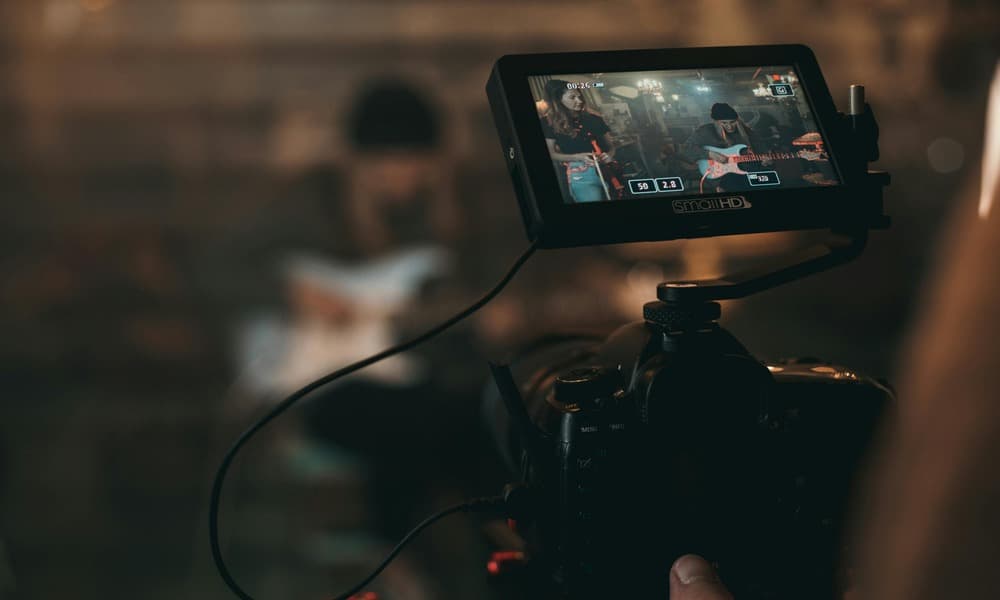
Egal, ob du ein Musikvideo mit KI erstellen möchtest oder verstehen willst, welche Rolle sie in deinen Musikvisuals spielen kann – hier bist du genau richtig. KI entwickelt sich rasant weiter und wird bereits von vielen Künstlern genutzt, um Workflows zu optimieren, Inhalte zu erstellen und Ideen weiterzuentwickeln und auf das nächste Level zu bringen.
Obwohl KI in der Branche verpönt sein kann, insbesondere wenn es um die Erstellung von Musik geht, ist es wichtig zu wissen, in welchen Bereichen sie für Ihre Projekte von Vorteil sein kann. Wenn Sie es als Videotool für Musiker verwenden, können Sie Zeit und Geld sparen und oft dazu beitragen, etwas zu kreieren, das vielen unabhängigen Künstlern zuvor nicht möglich gewesen wäre.
Was ist ein KI-Musikvideogenerator?
Ein KI-Musikvideogenerator ist genau das, wonach er sich anhört. Es ist einfach ein Tool, das künstliche Intelligenz verwendet, um automatisch visuelle Inhalte zu erstellen. Es wird mit einem Song synchronisiert, um Audiodateien oder einfachen Text in komplette Musikvideos umzuwandeln, ohne aufwändiges Filmen oder Bearbeiten. Dies kann über verschiedene Aufforderungsmethoden erfolgen, darunter Text, Bilder oder Audio.
Text-zu-Video-Eingabeaufforderungen
Die meisten KI-Eingabeaufforderungen benötigen irgendeine Form von Text, um den Kontext bereitzustellen. In der Regel enthalten sie spezifische Anweisungen oder Beispiele, die Benutzer benötigen. Text zu Video bezieht sich auf Videoclips, die aus Textbeschreibungen geschrieben wurden und Aufforderungen wie „Ein Paar, das im Regen tanzt“ in bewegte Bilder umwandeln, komplett mit Szenen, Aktionen und manchmal sogar synchronisiertem Audio und Effekten, sodass die Videoerstellung ohne traditionelle Dreharbeiten nachgeahmt wird.
Eingabeaufforderungen von Bild zu Video
Bild-to-Video verwendet KI-Technologie, um statische Fotos oder Grafiken in kurze, animierte Clips umzuwandeln, indem Bewegung, Kameraeffekte und Stile hinzugefügt werden. Dabei werden Textanweisungen verwendet, um die KI auf die gewünschte Bewegung, Stimmung und Erzählung zu lenken.
Audioreaktive Bilder
Audioreaktive Grafiken sind dynamische digitale Grafiken, die in Echtzeit auf Geräusche reagieren und den Rhythmus, die Tonhöhe und die Lautstärke Ihres Tracks in synchronisierte visuelle Veränderungen in Form von Farbe, Form oder Bewegung umwandeln. Diese werden häufig in Musikvisualisierern verwendet, insbesondere als Live-Shows.
Da sich die Musikindustrie ständig verändert und KI auf dem Vormarsch ist, veralten traditionelle Musikvideos schnell, und die Nutzer bevorzugen eine schnellere, kostengünstigere Methode für ihre Musikvideos. Darüber hinaus gibt es keine großen Anforderungen mehr an Musikvideos in Langform. Kurzform-Inhalte erhalten 2,5-mal mehr Aufmerksamkeit und eine um 47% höhere Wahrscheinlichkeit, viral zu werden. Langfristige Videos tragen zwar dazu bei, die Gemeinschaft und die Erzählung besser zu fördern, aber für den durchschnittlichen unabhängigen Künstler ist Wachstum einfach zu wichtig, um es nicht zu nutzen, und KI hilft vielen Künstlern, von diesem New-Age-Ansatz zu profitieren.

Was sind die Vorteile der Erstellung eines Musikvideos mit KI?
KI hat zwar sicherlich ihre Nachteile, aber wenn es um Musikvideos geht, gibt es definitiv Vorteile für Musiker. Lassen Sie uns einige der Vorteile der Verwendung von KI zur Erstellung eines Musikvideos durchgehen.
- Kostengünstige Musikvideolösung für Künstler
- Schnelle Bearbeitungszeit
- Große Auswahl an visuellen Stilen und Effekten
- Keine teure Ausrüstung oder ein Filmteam erforderlich
- Einfach für Anfänger und Künstler, die häufig Musik veröffentlichen
Wie alles andere ist KI ein Tool, das Ihren kreativen Prozess vereinfachen kann, aber es effektiv einzusetzen, ist eine Fähigkeit für sich. Die Qualität Ihres Endergebnisses hängt stark von Ihrem Können, Ihren Aufforderungen, Ihrem Verständnis der Funktionen der einzelnen Plattformen und der Art der Grafik ab, die Sie erstellen möchten. Deine kreativen Ziele zu kennen, wird dir helfen wählen Sie das richtige KI-Tool für Ihr Projekt.
Was sind die besten KI-Videotools für Musiker?
Da sich die KI rasant weiterentwickelt, haben Künstler eine Vielzahl von KI-Optionen zur Auswahl, mit denen sie Musikvideos und Werbeclips erstellen können. Abhängig von Ihrem Kenntnisstand und Ihren Anforderungen sind Sie möglicherweise besser für verschiedene KI-Tools geeignet. Lassen Sie uns also eintauchen und einige der besten KI-Tools für Musiker erkunden.
CapCut
Schwierigkeitsgrad: Einsteiger
Preisgestaltung: Kostenloser Tarif + optionale kostenpflichtige Add-Ons
Verwenden Sie für: Schnelle Werbeclips, Lyrikvideos, Social-Media-Teaser
Am besten geeignet für: Künstler oder Studenten, die keine Erfahrung mit Videobearbeitung haben
Canva
Schwierigkeitsgrad: Einsteiger
Preisgestaltung: Kostenloses oder Pro-Paket mit Premium-Vermögenswerten
Verwenden Sie für: Einfache Drag-and-Drop-Bearbeitung, vorgefertigte Videovorlagen, Textüberlagerungen
Am besten geeignet für: Neue Künstler, die einfache Werbevideos erstellen möchten
Pika Labs
Schwierigkeitsgrad: Anfänger/Fortgeschrittene
Preisgestaltung: Kostenloses Kontingent mit kostenpflichtigen Credits für längere, qualitativ hochwertigere Videos
Verwenden Sie für: KI-Generierung von Text zu Video und Bild-zu-Video-Transformationen
Am besten geeignet für: Künstler mit abstrakten oder konzeptionellen Musikvideo-Ideen
Erhalte die neuesten Tipps für unabhängige Künstler direkt in dein Postfach.
Vollgepackt mit Tipps, Tricks und Hacks, um deine Musikkarriere auf das nächste Level zu bringen!
Danke fürs Abonnieren!
Ups! Beim Absenden des Formulars ist etwas schiefgelaufen.
Kaiber
Schwierigkeitsgrad: Fortgeschritten
Preisgestaltung: Abonnement erforderlich
Verwenden Sie für: Musikbilder und audioreaktive Visualisierungen/Animationen
Am besten geeignet für: Gut für Künstler, die komplette Musikvideos oder Loop-Visuals erstellen möchten
Start- und Landebahn ML
Schwierigkeitsgrad: Fortgeschrittene/Experte
Preisgestaltung: Kostenlose Startguthaben und kostenpflichtiges Abonnement für qualitativ hochwertigere Exporte
Verwenden Sie für: Hochwertige Text-zu-Video-, Bild-zu-Video-Generierung und fortschrittliche Bearbeitungswerkzeuge
Am besten geeignet für: Künstler oder Labels, die sich darauf verlassen können, seriöse, hochwertige Musikvideos oder Werbeinhalte zu erstellen
Luma Traummaschine
Schwierigkeitsgrad: Experte
Preisgestaltung: Bezahlte Tarife mit höheren Kosten für die kommerzielle Nutzung
Verwenden Sie für: Hochwertige, realistische Videos, Text-zu-Video, Bild-zu-Video, Kinobilder. Gehört zu den stärksten KI-Modellen für Realismus
Am besten geeignet für: Künstler, die qualitativ hochwertige Bilder suchen, bei denen Realismus wichtiger ist als Stil
Es sind Alternativen verfügbar, die einen ähnlichen Service wie KI bieten können. Anstatt etwas ganz Neues zu kreieren, bietet es eine Reihe von Inhalten, die Künstler nutzen können, und bietet dennoch ein gutes Maß an Anpassungsfähigkeit. Schauen Sie sich Plattformen wie Music Video Marketplace und kostenlose Tools an wie Ditto gilt für den Spotify Canvas Generator von Music.
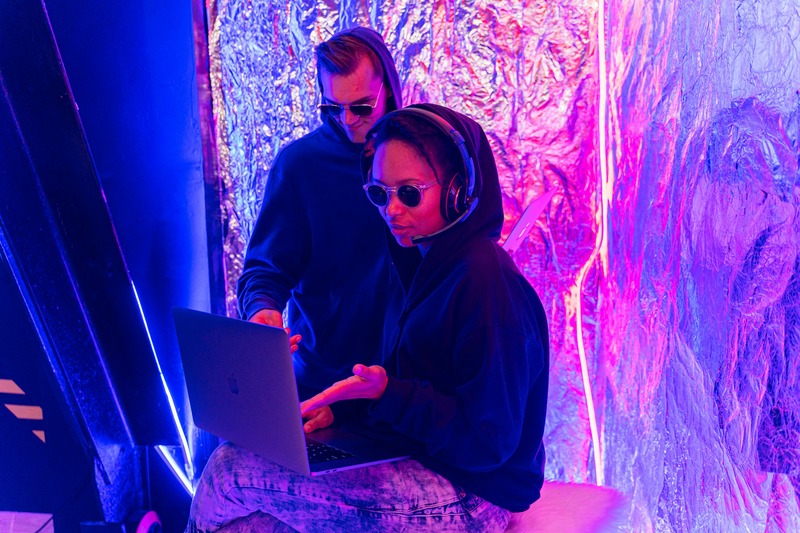
So erstellen Sie ein Musikvideo mit KI
1. Definiere das Konzept, die Stimmung und die Erzählung, die du dir für dein Musikvideo wünschst
2. Bereite deinen ausgewählten Songausschnitt oder das Audio in voller Länge vor
3. Wählen Sie das KI-Tool, das am besten zu den Anforderungen Ihres Musikvideos passt
4. Schreiben Sie effektive KI-Eingabeaufforderungen, indem Sie so viele Details wie möglich angeben
- Seien Sie beschreibend und spezifisch
- Berücksichtigen Sie das Seitenverhältnis (16:9, 9:16, 1:1)
- Kombinieren Sie visuelles Geschichtenerzählen mit spezifischen filmischen Begriffen; denken Sie über Kamerawinkel, Beleuchtung und Schnitttechniken nach
5. Definieren Sie die Stimmung/den Stil und beschreiben Sie Themen und Aktionen
6. Generieren Sie Ihre Szenen
7. Verfeinere deine Aufnahmen
8. Synchronisiere deine Clips mit deiner Musik
9. Wenn du zufrieden bist, exportiere dein Video. Ditto gilt für Künstler Musikvideos hochladen und verwalten direkt über das Ditto Music Music-Dashboard. So ist es einfacher denn je, Veröffentlichungen, Grafiken und Werbung an einem Ort zu haben.
So verwenden Sie KI-Musikvideos in Ihrer Musikwerbung
Jetzt ist der schwierige Teil vorbei, aber wie alles andere ist er nur so gut wie Ihr Marketing. Nachdem Sie Ihr fertiges Musikvideo fertiggestellt haben, ist es wichtig, zu überlegen, wie und wo Sie es verwenden werden. Im Folgenden finden Sie einige Beispiele dafür, wo Sie Ihre Bilder posten und hinzufügen können, um Ihnen zu helfen Bewerben Sie Ihre Musik unabhängig.
- TikTok-Clips
- Instagram-Rollen
- YouTube-Kurzfilme
- Spotify-Leinwand
- EPK (elektronische Pressemappe)
- Zu Vevo hochladen
Der Aufstieg der KI hat Musikvideos für unabhängige Künstler verändert und sie schneller, billiger und zugänglicher gemacht als je zuvor. Obwohl es das Bedürfnis nach menschlicher Kreativität nicht vollständig ersetzt, gibt es Musikern die Möglichkeit, qualitativ hochwertige Bilder ohne große Unterstützung oder umfangreiche Bearbeitungskenntnisse zu erstellen. Durch den Einsatz effektiver Aufforderungen und der richtigen Tools kann KI zum perfekten kreativen Partner werden, um ansprechende Grafiken zu liefern, die Verbessere deine Musikpromotion für jede neue Veröffentlichung.


Diskutiere mit